Backyard AI Review: Local Privacy vs Cloud Convenience
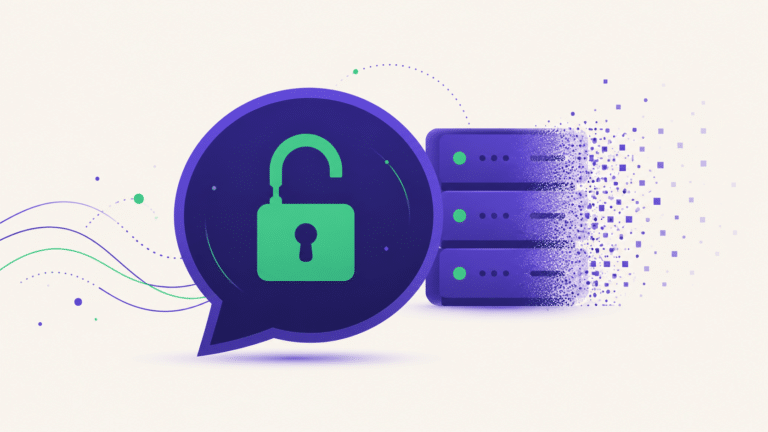
Backyard AI does something almost no other companion app does: it runs on your machine. No cloud, no server, nothing leaving your computer. Most Backyard AI reviews compare it to cloud apps on features — this one explains why that comparison is meaningless, and who it’s actually for.
Our verdict: Backyard AI is the right answer to a specific question: « how do I use an AI companion without anyone else’s server involved? » If that’s your question, nothing in the cloud category competes — privacy is absolute because there’s no third party. If it isn’t your question, the trade-offs are real and you’ll likely be happier elsewhere.
Genuinely excellent for
- Total privacy — nothing leaves your PC
- No subscription, no credits
- Works offline
- Full control over models
Real trade-offs
- Needs decent hardware
- Setup takes effort
- Quality depends on your GPU
- Fewer polished extras
Most Backyard AI reviews miss the point by comparing it to cloud apps on features. That’s the wrong axis entirely. This is a different category of product, solving a different problem, and the honest question isn’t « which is better » — it’s « which problem do you have? »
So this review is structured around that question rather than a feature checklist. Read the hardware section first if you’re short on time — it decides everything else.
What is Backyard AI?
Backyard AI is a desktop application that runs AI character chat locally — the language model executes on your own computer rather than on a company’s servers. You download it, you download a model, and everything happens on your hardware.
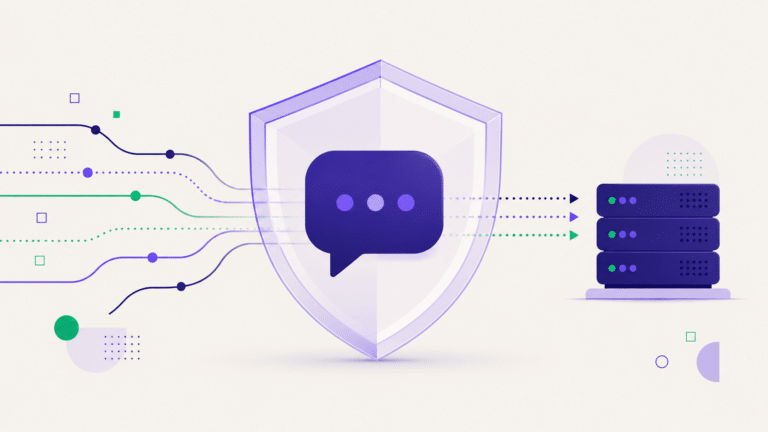
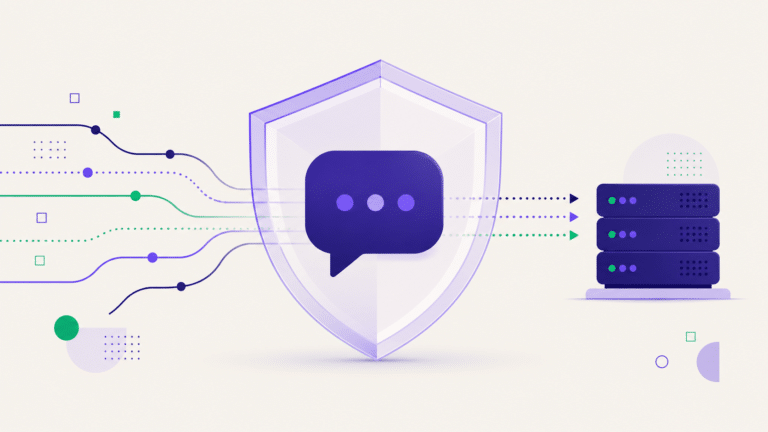
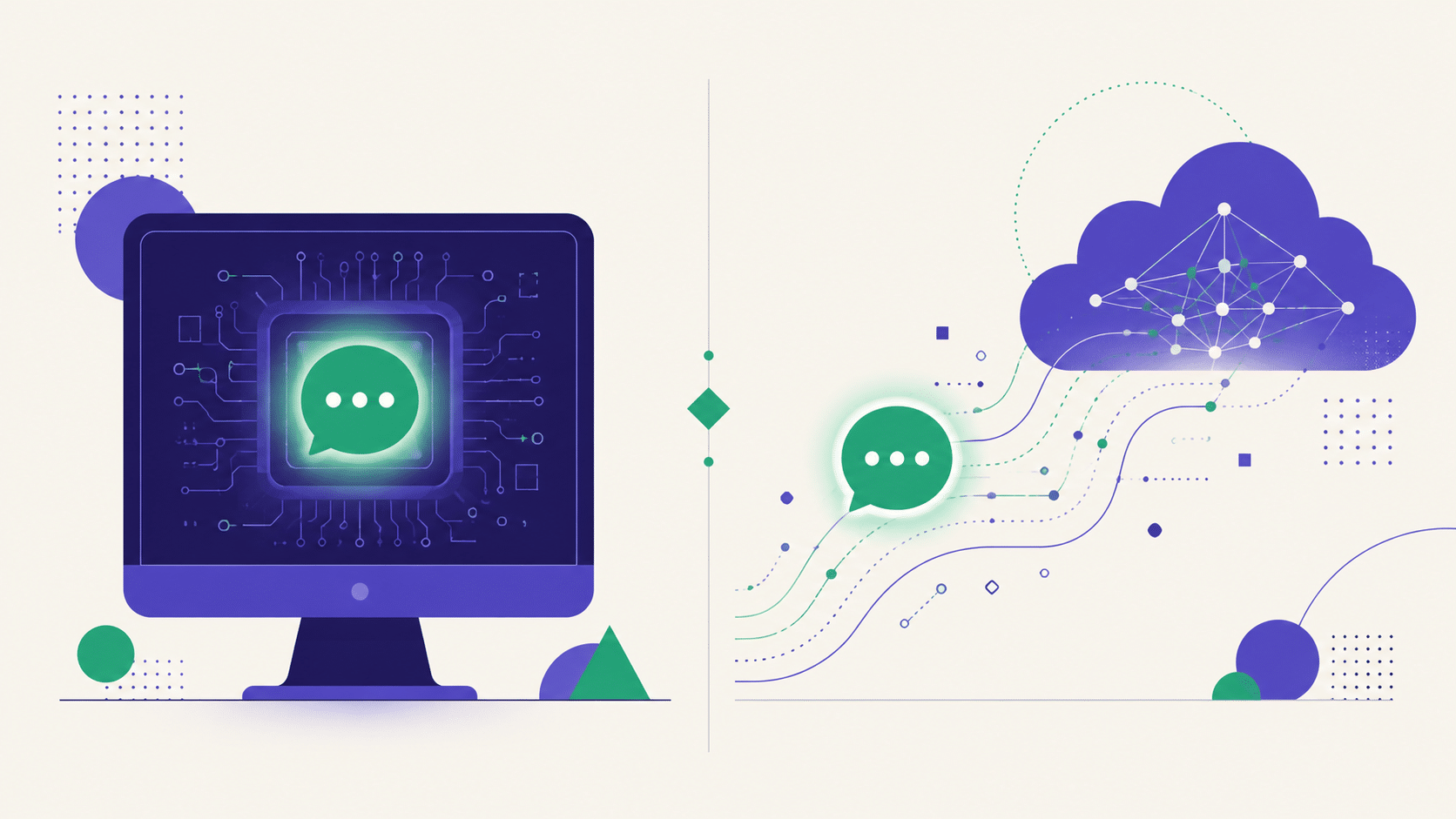
This is fundamentally different from every cloud app. When you chat on a cloud platform, your message travels to a server, gets processed, and comes back. With local software, the message never leaves the machine it was typed on. There is no server. There is no company reading anything, because there’s nothing to read.
That single architectural choice creates every advantage and every drawback in this Backyard AI review.
Local vs cloud: what actually changes
| Local (Backyard AI) | Cloud (most apps) | |
|---|---|---|
| Privacy | Absolute — nothing transmitted | Conversations stored on servers |
| Cost | Free, but you own the hardware | Subscription + credits |
| Quality | Depends entirely on your GPU | Consistent, professionally tuned |
| Setup | Download, configure, choose models | Sign up, start typing |
| Speed | Your hardware’s speed | Fast, optimized infrastructure |
| Images / video | Limited, or heavy on your machine | Included, instant |
| Works offline | Yes | No |
This isn’t « which app is better. » It’s a genuine fork: do you want privacy and control, or convenience and polish? You cannot have both, and anyone claiming otherwise is selling you something. Backyard AI picks the first. Cloud apps pick the second. Both are legitimate choices.
The hardware reality nobody mentions upfront
Here’s what most Backyard AI reviews gloss over: the experience quality is your GPU’s quality.
Running a language model locally is computationally heavy. On a strong machine with a capable graphics card, it’s genuinely impressive — responsive, coherent, and completely private. On a laptop with integrated graphics, it’s slow, the models you can run are small, and the conversation quality reflects that.
This is the most important thing to understand before you download anything:
- Good gaming PC / dedicated GPU with plenty of VRAM: excellent experience, genuinely competitive.
- Mid-range machine: workable with smaller models, noticeably slower, quality drops.
- Standard laptop, no dedicated GPU: frustrating. Don’t.
Nobody in the cloud category has this problem, because their hardware is the problem. That’s literally what you’re paying for with a subscription — not the software, the machine you’re not buying.
⚡ No gaming PC? Cloud apps run on their hardware, not yours. Free to try.
Try OurDream free →Setup and the learning curve
Backyard AI is far more approachable than raw local-LLM tooling — that’s its actual achievement. Compared to configuring things yourself from scratch, it’s a genuine simplification.
But « easier than the hard way » isn’t the same as easy. You’ll still be:
- Choosing which model to download (and understanding why that matters)
- Understanding parameter counts and quantization at least roughly
- Balancing model size against what your machine can handle
- Troubleshooting when something doesn’t run
For a technically curious person, this is a pleasant afternoon. For someone who just wants to talk to a character, it’s a wall. Be honest with yourself about which you are — that’s genuinely the whole decision.
What most Backyard AI reviews get wrong
Search around and you’ll find two kinds of coverage, both unhelpful.
The first treats it as a straight competitor to cloud apps and dings it for lacking video, mobile access and polish. That’s like reviewing a bicycle for its poor motorway performance — technically accurate and completely beside the point.
The second oversells it as a free replacement for everything, glossing over the hardware requirement entirely. Someone reads that, downloads it onto a work laptop, waits ninety seconds for a mediocre reply, and concludes local AI is useless. It isn’t — their machine was just wrong for it.
The useful framing sits between: this is a specialist tool that is genuinely excellent for a specific person with specific hardware and a specific priority. Outside that person, it’s the wrong choice — and that’s fine. Not everything has to be for everyone.
Conversation quality
Most Backyard AI reviews either oversell this or dismiss it. The truth sits in between.
Here’s the nuanced part. Local models have improved dramatically, and on good hardware the conversation can be excellent — sometimes with fewer restrictions than cloud platforms, since nobody’s moderating a model running in your own house.
But there are structural limits:
- Model size is capped by your hardware. Cloud services run models most consumer machines simply can’t.
- Memory is bounded by your VRAM. Long conversations hit real physical limits.
- No professional tuning. Cloud apps refine their models against millions of conversations. You’re running something off-the-shelf.
- Multimedia is hard. Image generation locally is possible but demanding; video is largely out of reach.
So: local can be very good, and it’s private in a way nothing else is. It generally won’t match a well-tuned cloud app on raw polish. Both statements are true.
Who Backyard AI is genuinely for
We’ll be direct, because this is the useful part of any Backyard AI reviews you’ll read:
You should use it if…
- Privacy is non-negotiable. Not « I’d prefer privacy » — genuinely non-negotiable. Nothing else offers this.
- You have the hardware. A gaming PC with a real GPU makes this viable.
- You enjoy tinkering. If configuring things is fun rather than friction, you’ll like this.
- You want zero subscriptions. Free forever, once you own the machine.
- You want to run it offline. Genuinely unique.
You should look elsewhere if…
- You just want to chat. The setup will annoy you before you get there.
- Your machine is average. The experience will disappoint and you’ll blame the software.
- You want images and video. Not what this is for.
- You want it on your phone. It isn’t.
- « Nobody reads my chats » is enough for you. Cloud apps have policies; if you trust them, you get a much smoother ride.
If Backyard AI isn’t for you
Being straight with you: the apps below are cloud services. They store your conversations on their servers, like every cloud platform does. If Backyard AI appeals specifically because of local privacy, none of these solve that, and we’re not going to pretend otherwise.
But if you were drawn to Backyard AI for the freedom rather than the architecture — and you don’t have a gaming rig — these give you fewer restrictions than mainstream platforms with none of the hardware requirements:

Runs on their hardware, not yours. Chat, images and video with zero configuration and no GPU requirement — the exact opposite trade-off to Backyard AI. Free tier, works on any device including your phone.

Local memory is capped by your hardware. Secrets.ai’s adaptive memory isn’t — it holds long conversations without you needing to think about context windows or GPU capacity.
For the full ranked comparison, see our AI companion reviews. If privacy is your actual concern, our piece on what AI chat apps do with your data is more useful than any product recommendation.
Backyard AI reviews: our verdict
Backyard AI is excellent at the thing it exists to do. Local AI companion chat is a genuinely valuable niche, and this is one of the more approachable ways into it. If privacy matters to you more than convenience, and you have hardware that can handle it, it’s the right answer and nothing in the cloud category competes.
But it demands things cloud apps don’t: a capable machine, patience with setup, and a tolerance for tinkering. Those aren’t flaws — they’re the cost of the privacy. You’re trading polish for control, deliberately and knowingly.
Ask yourself one question: would you be annoyed if setting this up took an evening? If yes, you want a cloud app and you’ll be happier with one. If no — if that sounds like a decent evening — Backyard AI is probably for you and you should ignore everything else on this page.
Frequently asked questions
Is Backyard AI free?
The software itself doesn’t charge a subscription — you’re running models on your own hardware. The real cost is the hardware: a capable GPU. If you already have a gaming PC, it’s effectively free. If not, it isn’t.
Is Backyard AI private?
Yes, genuinely — and this is its main advantage. Because the model runs locally, your conversations never leave your machine. No server, no company, nothing to store. No cloud app can match this, including the ones we recommend.
What hardware do I need for Backyard AI?
A dedicated GPU with decent VRAM is the practical requirement. On a good gaming PC it’s excellent; on a standard laptop with integrated graphics it’s slow and disappointing. Check your specs before investing time.
Is Backyard AI better than cloud apps?
Different, not better. It wins on privacy, cost and control. Cloud apps win on convenience, polish, multimedia and mobile access. Pick based on which of those you actually care about — there’s no universal answer.
What’s the best alternative to Backyard AI?
If you want local privacy, there isn’t one — that’s the point. If you liked the freedom but lack the hardware, OurDream AI is our top cloud pick and it’s free to try. See our full reviews.
The bottom line
Backyard AI answers a question most apps ignore: what if nobody else was involved? For people who care about that, it’s genuinely the only real option, and it earns its audience honestly. That’s rare enough to be worth respecting, even if you’re not the audience.
For everyone else — people without gaming rigs, people who want images and video, people who just want to talk to a character without an afternoon of setup — it’s the wrong tool, and there’s no shame in that. Know which one you are, and choose accordingly. That’s the only thing Backyard AI reviews should actually tell you.
Cloud apps run on their hardware, not yours
OurDream needs no GPU, no configuration, no downloads — chat, images and video in two minutes. Free tier, works on any device.
Try OurDream AI free →