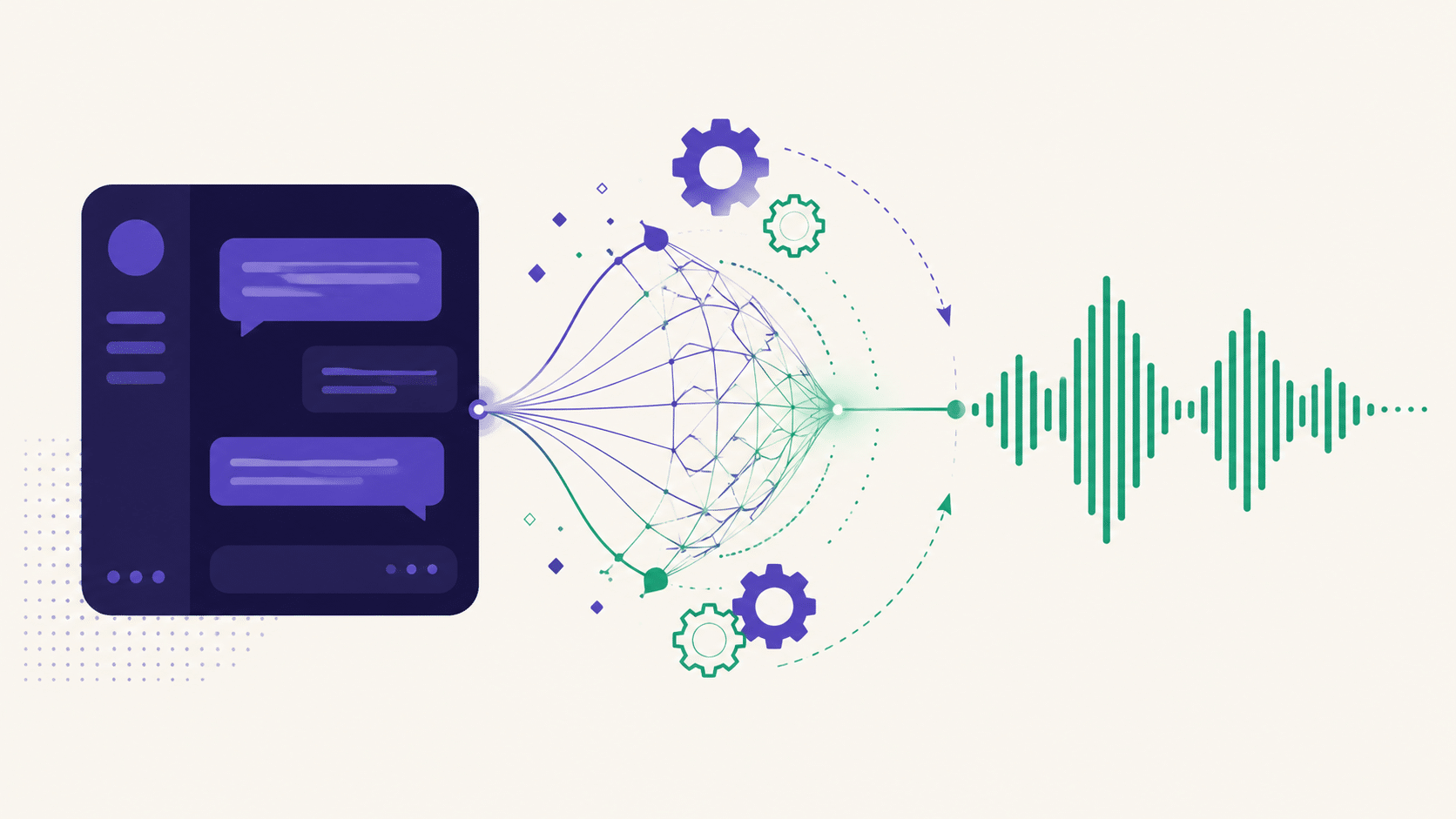
Janitor AI Voice: What Works & What Doesn’t
Wondering how to get Janitor AI voice working — or why it doesn’t work the way you expected? Here’s the honest breakdown of what’s actually available, what it takes to set up, and the apps where voice just works out of the box.
Want voice that works without the setup?
OurDream includes voice and video natively — no API keys, no third-party config, no fiddling. Free tier, working in about two minutes.
Try OurDream AI free →Janitor AI built a huge following on text roleplay — a free platform, a massive character library, and a community that made it one of the most-used tools in the space. Voice is the natural next question, and it’s where things get complicated. This guide covers what’s real, what isn’t, and your options.
Fair warning: this isn’t a hype piece. If the answer for your situation is « don’t bother, » we’ll say that.
Janitor AI voice: the actual situation
Let’s be direct about it, because a lot of pages on this topic aren’t: Janitor AI is fundamentally a text roleplay platform. Its strength is the character library and the writing, not multimedia.
What that means in practice: getting Janitor AI voice working generally involves bolting something on rather than flipping a switch. Depending on what’s currently supported, that can mean browser extensions, third-party text-to-speech services, external API connections, or reading the output through a separate tool.
None of that is a criticism of the platform — it does what it set out to do very well. But if you came expecting a voice button, the honest answer is that voice was never the point of Janitor AI, and the setup reflects that.
Features on platforms like this change frequently. Always check the current official documentation and community channels before following any setup guide — including this one. Anything published more than a few months ago about Janitor AI voice is likely out of date.
How text-to-speech actually works
Understanding the mechanics helps you evaluate any voice solution, because they all work the same way underneath.
Text-to-speech takes written output and converts it to audio using a voice model. Modern TTS is genuinely good — the robotic voices of a decade ago are long gone. What varies is:
- Voice quality. Basic browser TTS sounds flat. Premium services sound close to human.
- Latency. How long between the text appearing and the audio playing. This is what breaks immersion.
- Voice matching. Whether the voice actually suits your character, or is just a generic reading.
- Cost. Good TTS services charge per character. Heavy use adds up.
When voice is bolted onto a text platform, you’re stitching these pieces together yourself. When it’s native to an app, someone else already solved all four problems.
That difference sounds abstract until you experience it. Native voice means the app knows which character is speaking and picks a voice accordingly, streams the audio as the text generates rather than after, and handles the whole thing without you touching a setting. Bolt-on voice means a generic reader working from whatever text appears on screen, with no idea who’s talking.
Setting up Janitor AI voice: the process
If you’re going the bolt-on route, the general shape of getting Janitor AI voice running looks like this:
- Check current official support. Start with the platform’s own documentation and community. Never start with a random tutorial.
- Pick a TTS source. Browser-native (free, basic) or a third-party service (better, usually paid).
- Connect them. Depending on the method, this could mean an extension, a userscript, or an API key.
- Match a voice to your character. The default voice will rarely suit. Expect to test several.
- Accept the latency. There’s always a delay. Whether it breaks immersion for you is personal.
It’s doable. Plenty of people do it. But it’s a project, not a feature — and that’s the honest trade-off you’re accepting.
The limitations you’ll hit
- Setup friction. Extensions break when platforms update. Expect to re-fix it periodically.
- Latency. The pause between reading and hearing is small but constant, and it’s exactly the kind of friction that pulls you out of a scene.
- One-way only. TTS reads output to you. It doesn’t let you speak to your companion — that’s a completely different feature.
- Voice-character mismatch. A generic voice reading a distinctive character often feels worse than no voice at all.
- Cost creep. Good TTS isn’t free at volume.
The mismatch problem nobody warns you about
That fourth point deserves expanding, because it’s the one that surprises people. You’d think any Janitor AI voice is better than silence. It often isn’t.
When you read a character, you hear them in your head — their pace, their edge, the way they’d deliver a line. That internal voice is usually perfect, because your brain built it from the writing. A generic TTS voice overwrites that with something flat and slightly wrong, and the result frequently feels worse than reading in silence.
This is why native voice in a purpose-built app outperforms bolt-on TTS by more than the technical specs suggest. It’s not just better audio — it’s a voice chosen to fit a character, rather than a stranger reading their lines.
Ask yourself what you actually want. If it’s hearing your character’s voice as part of the experience, an app with native voice will do it better with zero setup. If you specifically want Janitor’s character library and voice, then bolting it on is your only path — but know what you’re signing up for.
Apps where voice is built in
If voice matters to you as an experience rather than a project, these apps handle it natively — no extensions, no API keys, no maintenance.

Our top pick for anyone who wants more than text. It handles voice, images and short video natively alongside chat — the most complete multimedia experience we’ve tested, and none of it requires setup. Free tier to try it properly.

If what you want from voice is a companion that talks naturally rather than reads at you, Joi’s focus on conversation quality makes it the cleaner choice. Less feature clutter, better dialogue.

If Janitor’s appeal for you was the sheer number of characters, Candy.ai has one of the biggest rosters available — with multimedia features that don’t need configuring.
For the full ranked comparison, see our guide to the best AI chatbots for roleplay.
Bolt-on voice vs native voice
Here’s the comparison that actually decides it. Janitor AI voice via TTS versus voice that ships with the app:
| Bolt-on (TTS on a text platform) | Native (built into the app) | |
|---|---|---|
| Setup | Extensions, API keys, config | Nothing — it’s a button |
| Reliability | Breaks on platform updates | Maintained by the app |
| Latency | Noticeable | Optimized |
| Voice fit | Generic, you pick from a list | Tuned to the character |
| Cost | Free platform + paid TTS | One subscription, free tier |
The trade-off is real in both directions. Bolt-on gives you Janitor’s free character library with voice stapled to it. Native gives you a clean experience but you’re inside one app’s ecosystem. Neither is wrong — they suit different people.
⚡ Want voice without the config? Two minutes and it’s working.
Try OurDream free →Which route suits you
- You love Janitor’s library and don’t mind tinkering. → Bolt on TTS. Accept the friction.
- You want voice to just work. → Use an app with it built in. This is most people.
- You want voice AND images AND video. → OurDream. It’s the only one covering all three natively in our testing.
- You want natural spoken conversation above all. → Joi.
- You want a huge character roster with multimedia. → Candy.ai.
Every app above has a free tier, so testing the native route costs nothing but ten minutes. That’s genuinely less time than most bolt-on setups take.
A reasonable compromise
Worth saying: this doesn’t have to be either/or. Plenty of people keep Janitor for what it’s good at — the free character library, the community-made personalities, the text roleplay — and use a separate app when they want voice or visuals.
That’s arguably the smartest approach. You’re not abandoning a platform you like; you’re just not forcing it to do something it wasn’t designed for. Use the text platform for text, and something built for multimedia when you want multimedia. Since the alternatives all have free tiers, running both costs you nothing extra.
API keys and safety
If any guide asks you to paste an API key into a third-party site, extension or userscript, stop and think. An API key is a credential tied to your account and often your payment method. Only ever enter one into official interfaces you trust. Never into a random tool promising to unlock a feature.
The wider principle applies to browser extensions too: an extension that reads your chat can read everything else on that page. Install only from official stores, check what permissions it wants, and be sceptical of anything with few users and vague documentation. If it wants access to « all sites, » ask why a voice tool needs that.
This is the hidden cost of bolt-on solutions that nobody mentions. Native features don’t ask you to hand credentials to strangers.
Frequently asked questions
Does Janitor AI have voice?
Janitor AI is primarily a text roleplay platform — voice generally involves third-party text-to-speech rather than a built-in feature. Support changes, so check the official documentation and community for the current state before following any guide.
How do I get Janitor AI voice working?
The typical route is connecting a text-to-speech service via an extension or API. It’s doable but it’s a setup project, and it tends to break when the platform updates. If you want voice without the maintenance, apps with native voice are the simpler path.
What’s the best app with built-in voice?
OurDream AI is our top pick — it handles voice, images and video natively with no setup, and has a free tier. Joi is the better choice if natural spoken conversation is what you’re after.
Is it safe to use extensions for Janitor AI voice?
Be careful. An extension that reads your chat can read everything on the page, and any tool asking for API keys is asking for a credential tied to your account. Use official sources only, and never paste keys into unknown tools.
Can I talk to my AI companion out loud?
That’s a different feature from text-to-speech — TTS reads output to you, while speech input lets you talk to it. Apps with native voice generally handle this far better than any bolt-on solution can.
The bottom line
Janitor AI is excellent at what it’s built for: free text roleplay with a huge character library. Voice was never that. You can bolt it on, and people do — but it’s a project with real friction, ongoing maintenance, and some security trade-offs worth thinking about.
If voice is central to the experience you want, the shortcut is simply using an app that was built with it. Ten minutes on a free tier will tell you whether that’s the better path for you — and it’s less time than most people spend troubleshooting an extension.
Voice, images and video — no setup
OurDream handles all three natively. Free tier, working in about two minutes, nothing to configure.
Try OurDream AI free →